Dash
Designing for ADHD: Dash reimagines notes, reminders, calendars & to-do lists.
Overview
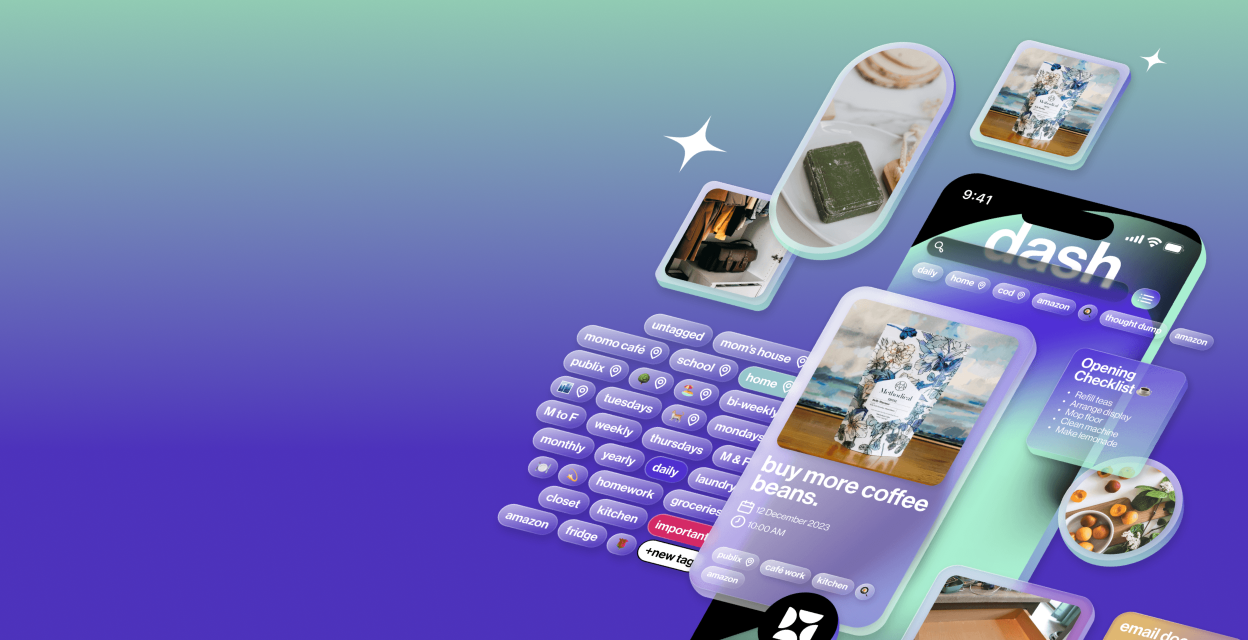
Dash is a system that uses tags to store and organize information for users.
It's a medium to dump information, regardless of it's importance. Using the intuitive tagging system, information can be filtered and categorized under relevant tags. It is an adaptive and dynamic system, enhanced with reminders and calendar features.
The Problem
People with ADHD need a low-friction way to remember and manage everyday tasks, as current digital tools often increase cognitive load.
Background Research
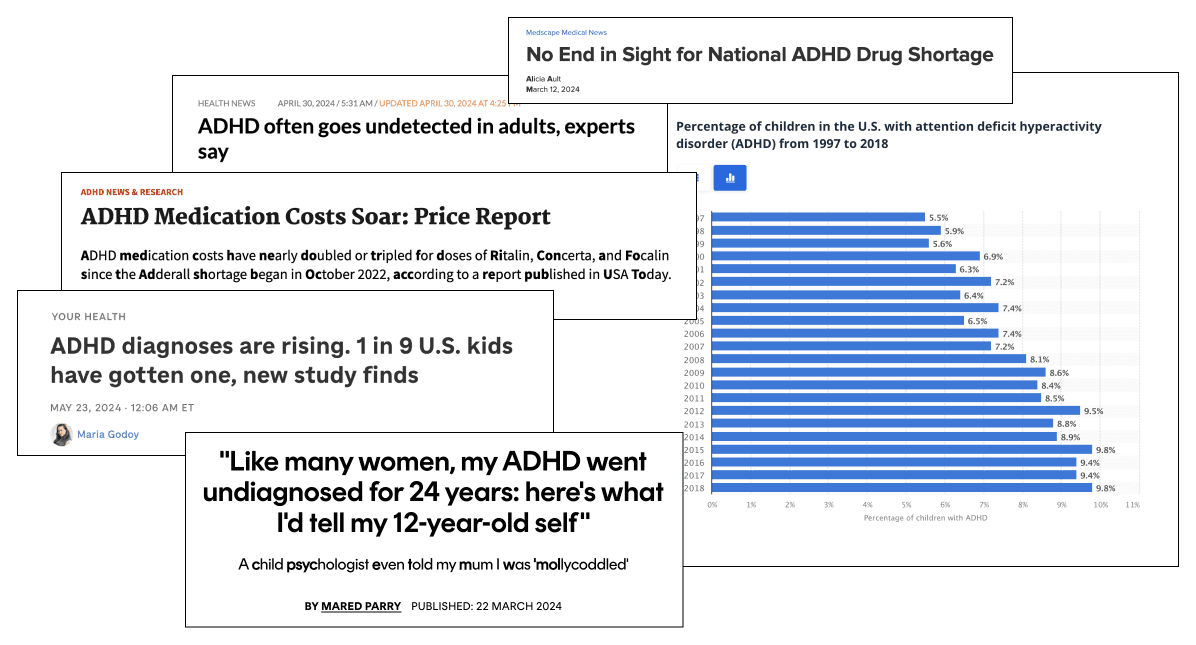
People with ADHD face several difficulties in today's fast paced world, and one such problem is forgetfulness. Most digital solutions (such as reminders, notes, and calendar events) do not cater to this group of people, and as a result, they still find it difficult to remember small things that eventually add up, negatively impacting their quality of life. People with ADHD need a system that feels intuitive to use and helps the user organize their lives without creating another obstacle.
User Research
To understand this topic better, I conducted 21 interviews: 11 in-depth 1 hour interviews and 10 casual topic-focused interviews. I also read several research papers to make myself an expert on this topic. I then generated insights that helped shape my design process and guided me to the solution.
Insight 1
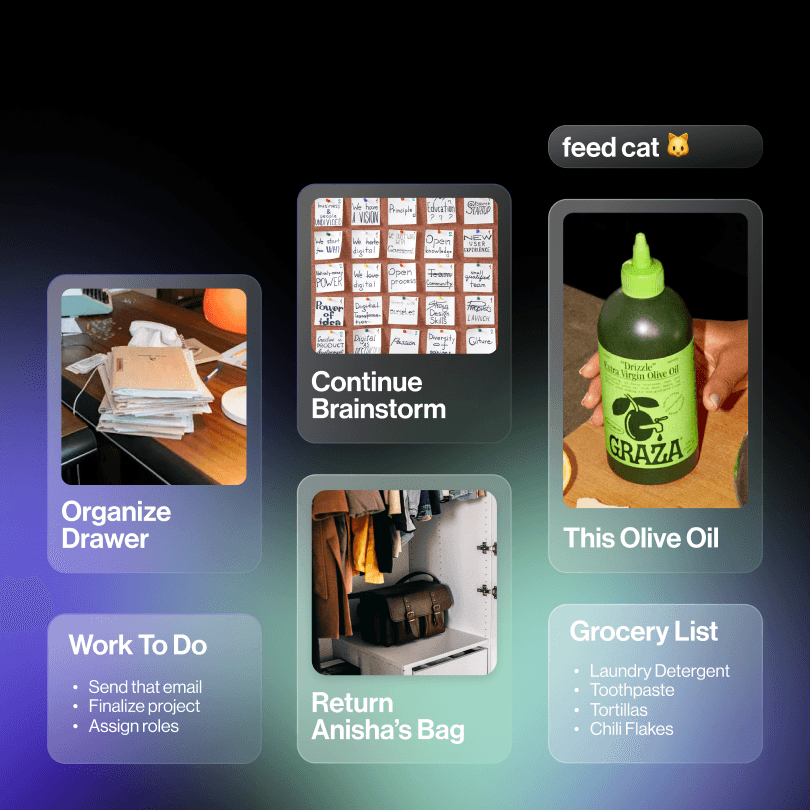
People with ADHD tend to have notes with the same title and different content across several different mediums (physical notes, reminders, notes app, etc.), and most people were often unaware of this.
85% of interviewees had several notes with the exact same title, but different content, which included text and images.
"I have like 7 grocery lists with so many things I forgot to buy!"
"Sometimes I find scraps of paper with things I needed to do - I feel like I have so many small to-dos but I forget where and when I wrote them down"
Insight 2
People with ADHD use current digital solutions (such as Google Calendar, Notion, etc.) for scheduling important tasks of the day, but do not use them for smaller tasks that are not considered important to the users because adding tasks/notes are time consuming.
62% of interviewees depend on various digital solutions to schedule and plan their day. However 38% of interviewees reject these apps altogether because they feel more like an obstacle due to the amount of time consuming they are. 33% of interviewees stated that they use these solutions to procrastinate actually doing the task.
"I cannot live without my google calendar because it tells me exactly what to do, where to be, and when to be there."
"I'm pretty good at remembering important meetings and classes, but I forget small things like when I run out of ketchup, and I end up ketchup-less for weeks until I remember to buy ketchup when I'm at the grocery store"
Insight 3
People with ADHD have higher levels of focus when it comes to experiences that are unfamiliar and novel compared to experiences that feel familiar and repetitive.
In a study of people with ADHD, researchers found that those who had lower levels of dopamine were more likely to seek out novelty and change in their environment.
"I have a to-do list that is super long. I keep adding to it, but I look at it so much I'm basically desensitized to it. I'll get to the task eventually when it becomes important but for now, it lives in this long list"
Insight 4
Time-based reminders are not effective for people with ADHD when they are occupied with a different task.
Adults with ADHD show a specific capacity reduction of response selection.
"I automatically dismiss a reminder when I'm in the middle of something because it can distract me. I try to set the reminder for a later hour, but the same thing happens - it's a vicious cycle."
Competitor Analysis
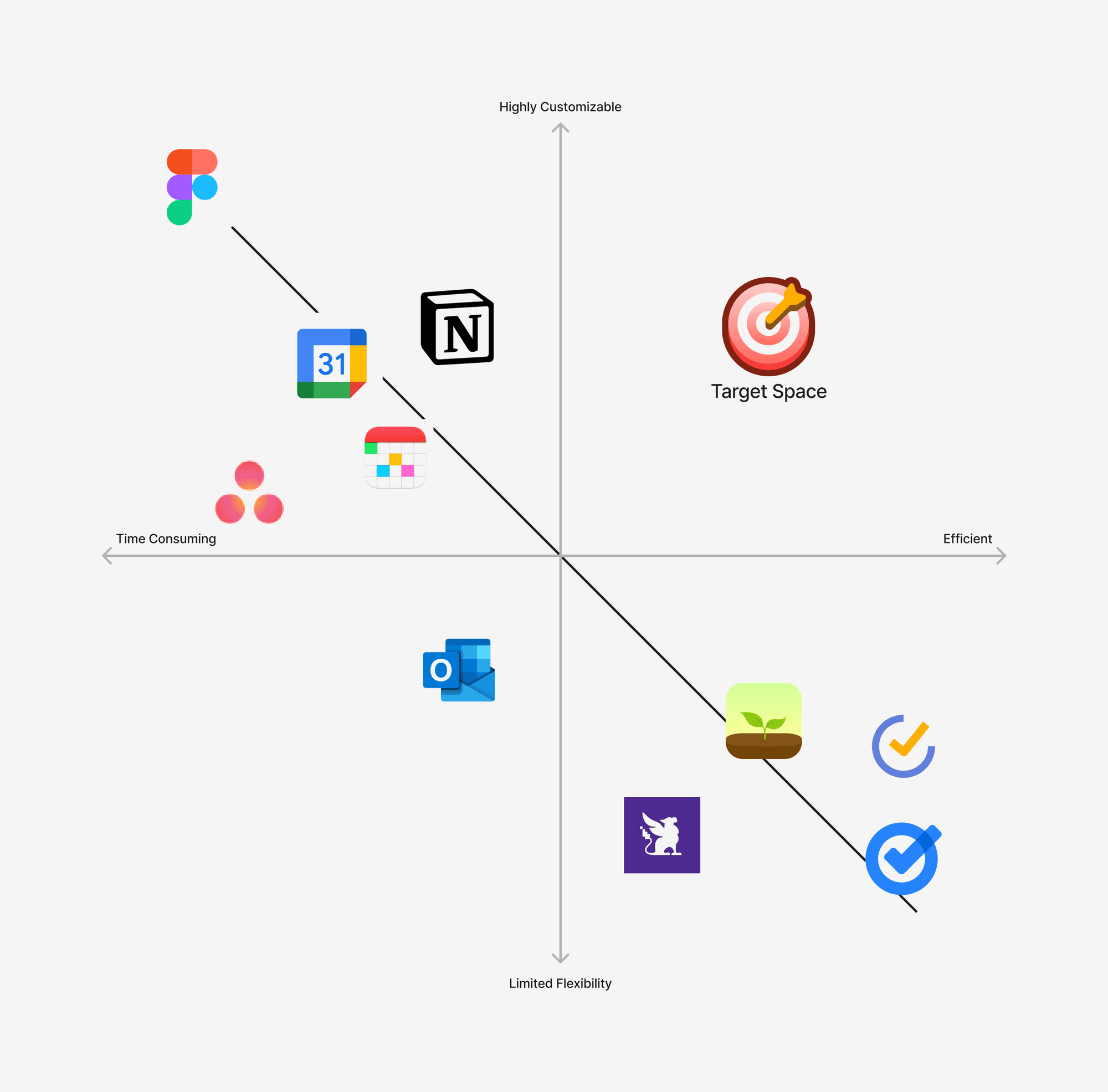
Most interviewees and respondents in online surveys/research papers mentioned several applications that they commonly used. As a result, I created a 2x2 matrix to analyze the competitors and find opportunity spaces.
User Flow
After analyzing the interview data and going over secondary research resources, I created a typical journey map for people with ADHD to find the pain points when assigned a task.
1. Since the task has not been noted down, there is a high chance the user will forget the task until it becomes urgent and impacts the user's quality of life.
2. The user builds familiarity with the action of dismissing a reminder, and as a result, it becomes almost subconscious, making the consecutive dismissals easier and almost immediate.
Design Goals
After 2 months of thorough research, I came up with clear design goals based on the insights and common interviewee responses that came up during my research. I also gathered several secondary research sources to support the research insights that I came up with.
The designed system must have a simple and intuitive way to access and enter notes and reminders. Noting down a task should be completed in 1-2 steps if needed.
It must include novel way to visually represent a notes/lists to make it more perceivable to people with ADHD.
It needs to be dynamic - constantly changing and adapting to the user's needs, while introducing an element of novelty.
It needs to tackle the issue of object permanence, since this can render a the designed solution useless if the user does not remember that they have notes in the system.
Features
Tagging System
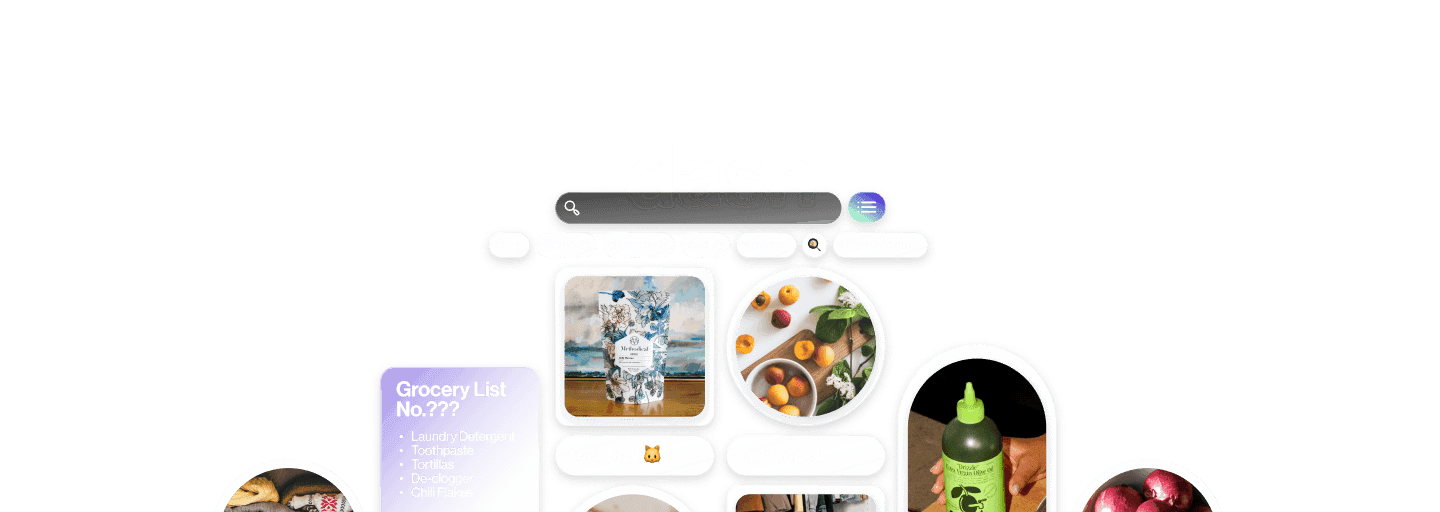
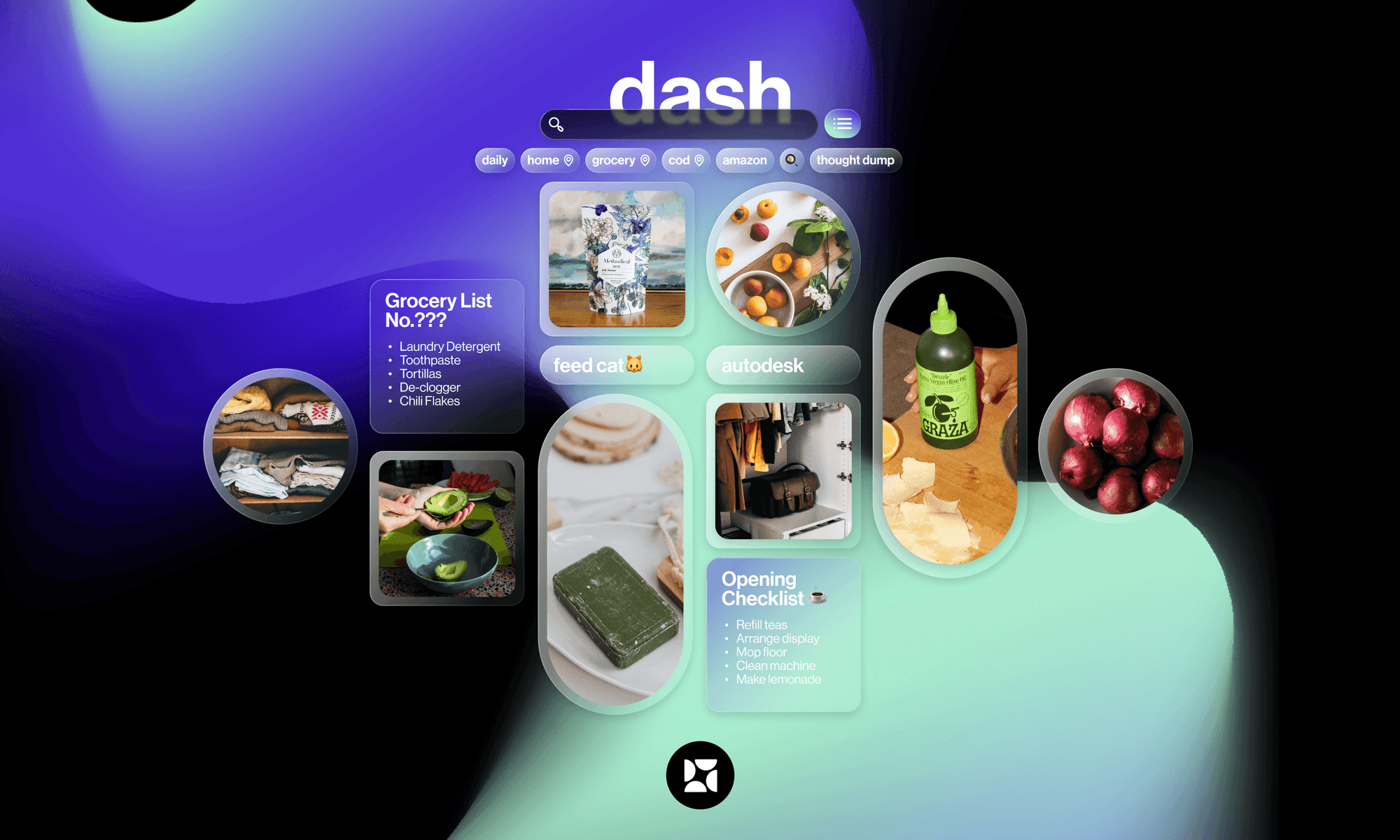
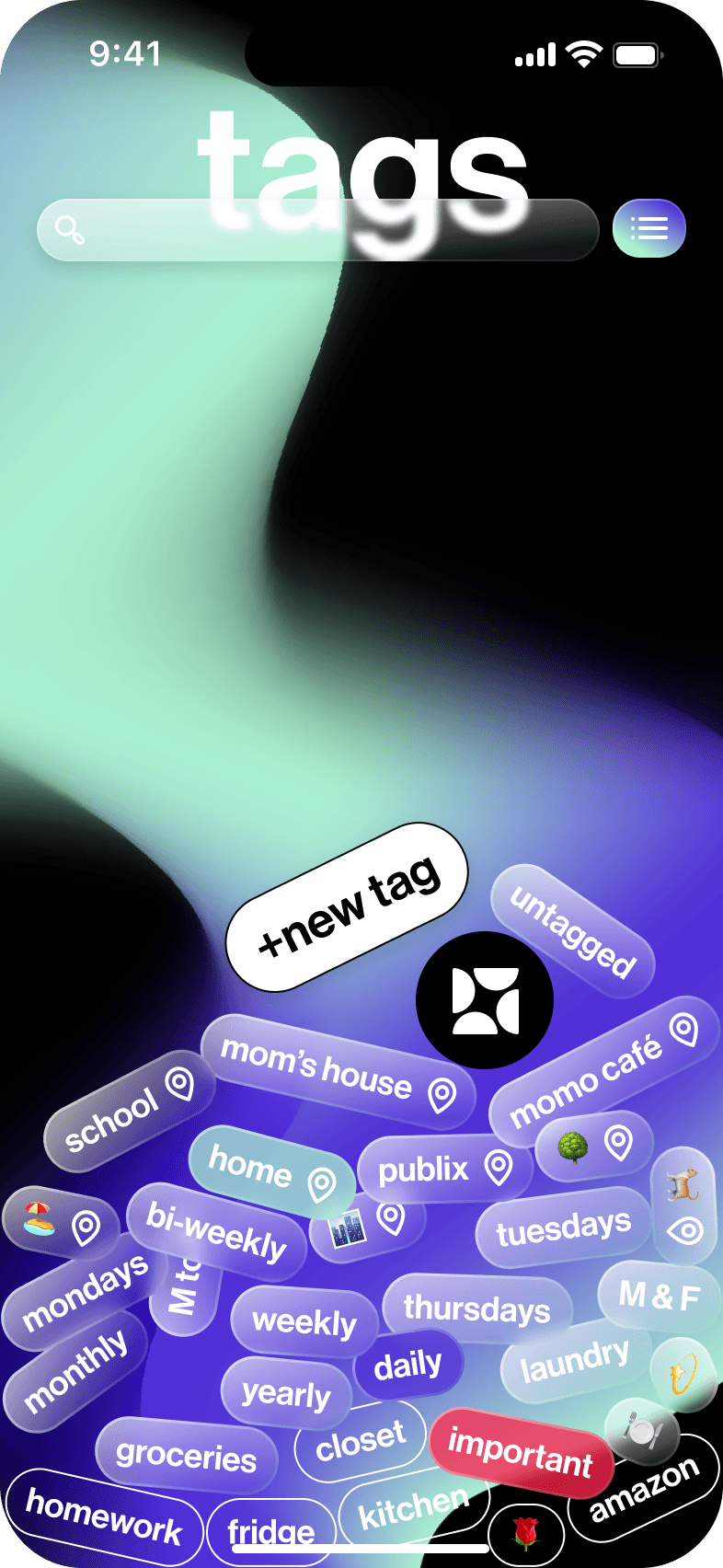
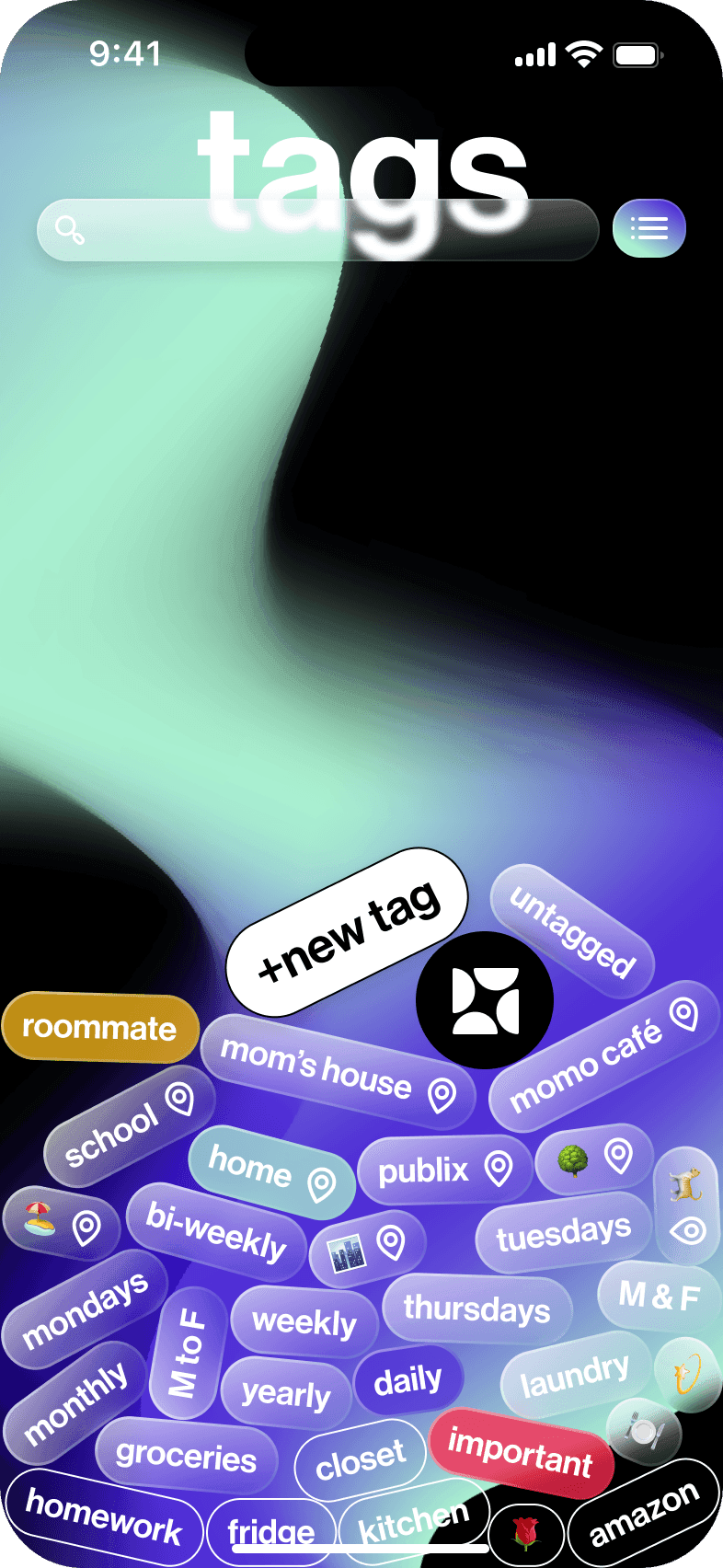
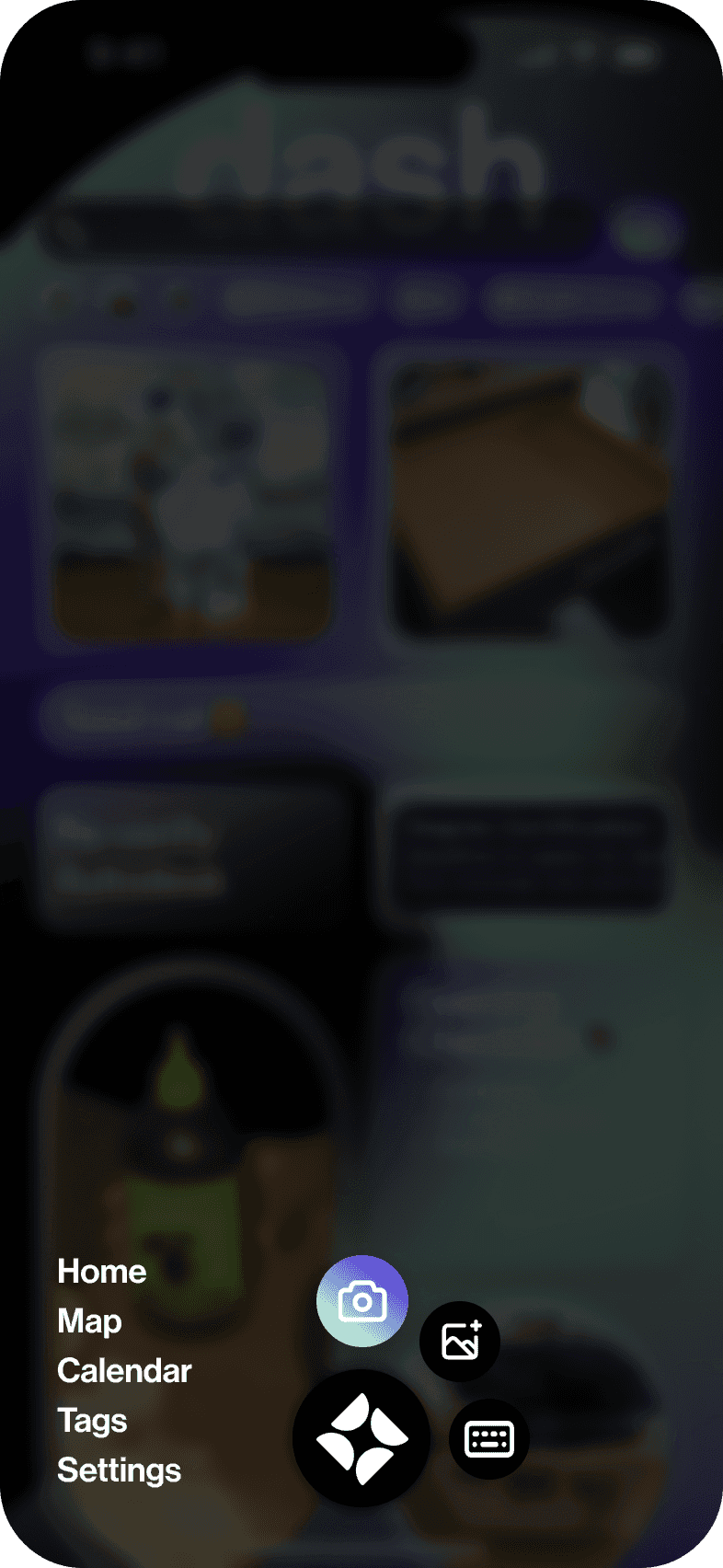
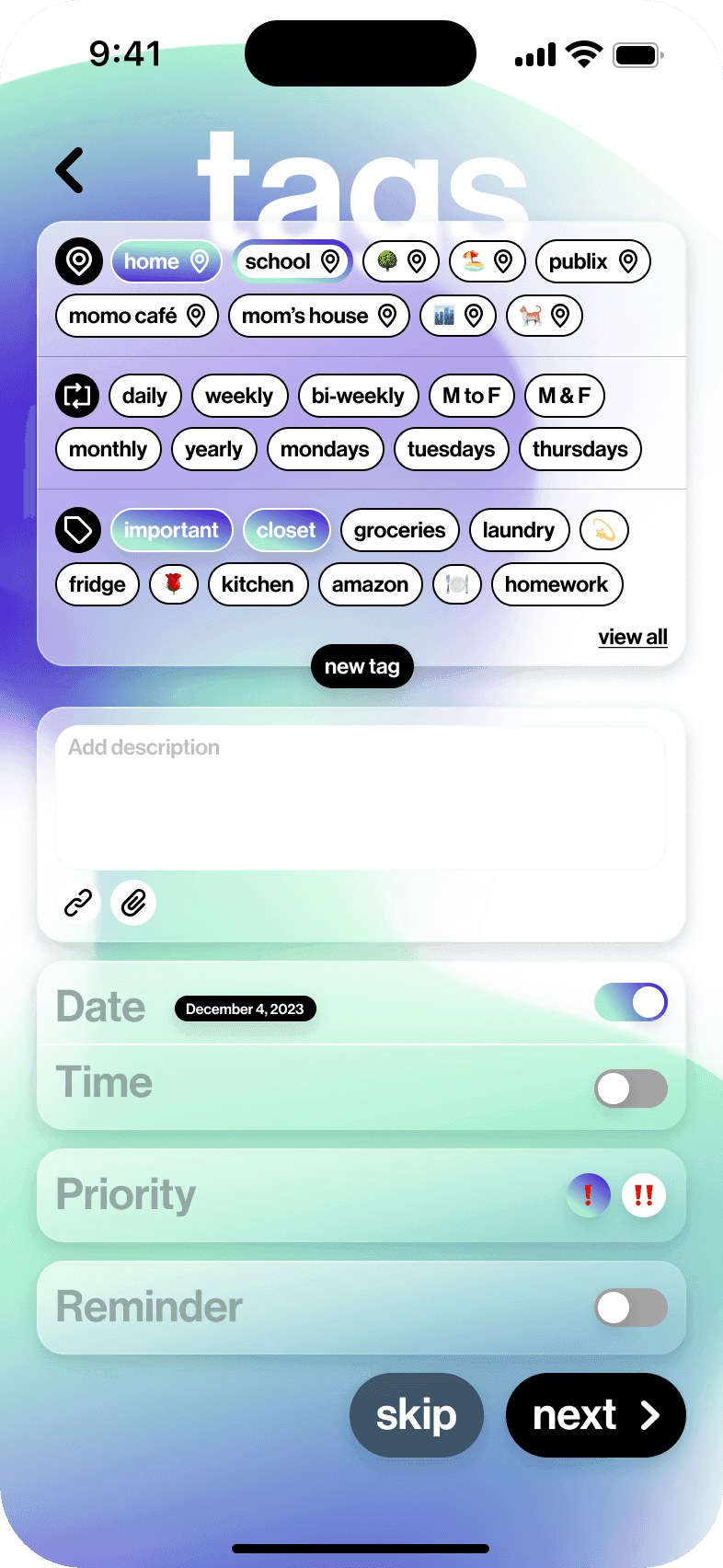
In order to keep track of all the information in the system, I developed a tag system that ensures that information can be easily accessed and organized. Users can create tags and 'attach' them to each task that they add. The tags can be customized according to the users' preferences. Dash also uses AI to provide users with suggestions that can speed up the tagging process.
Specialized Tags
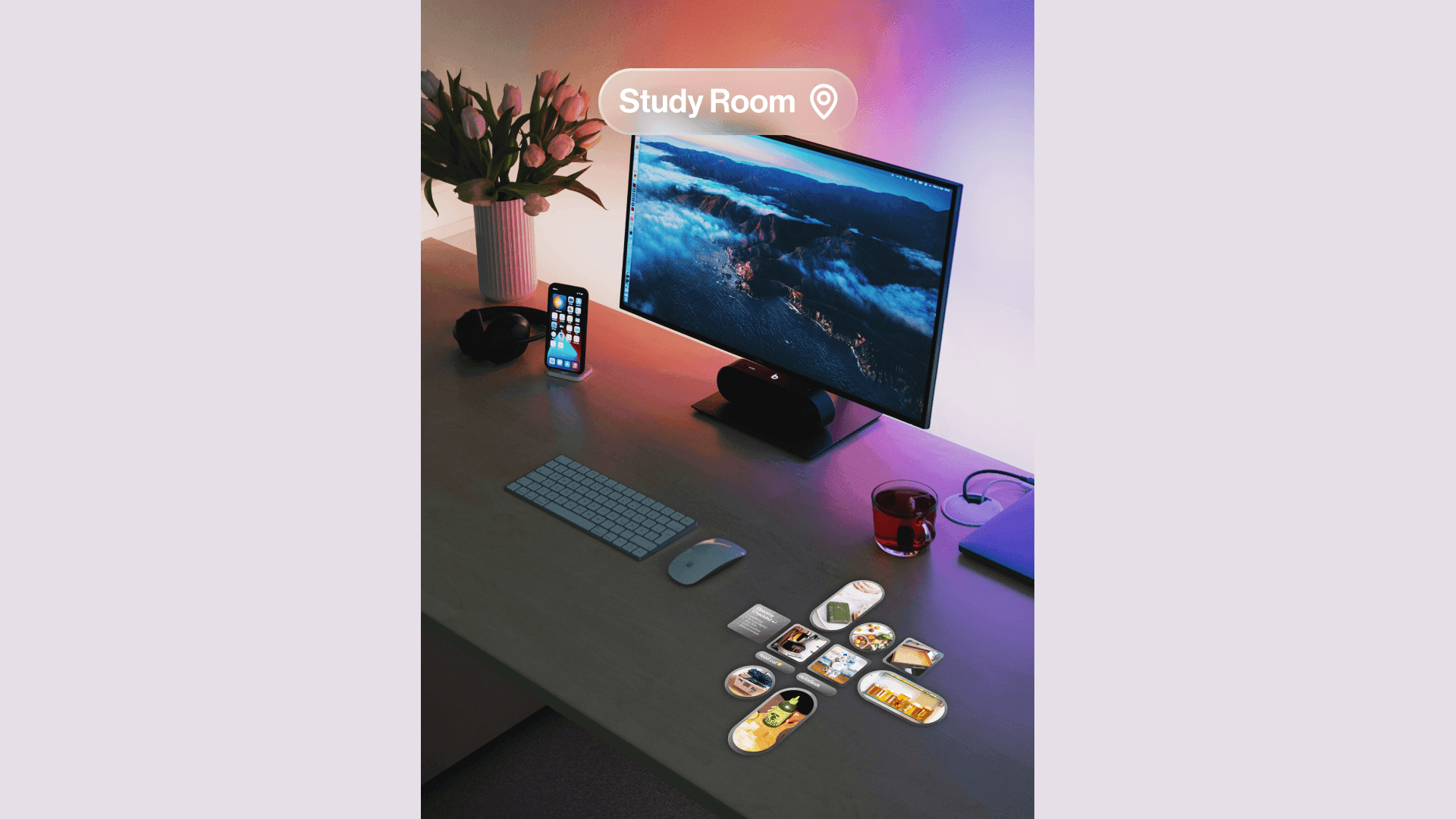
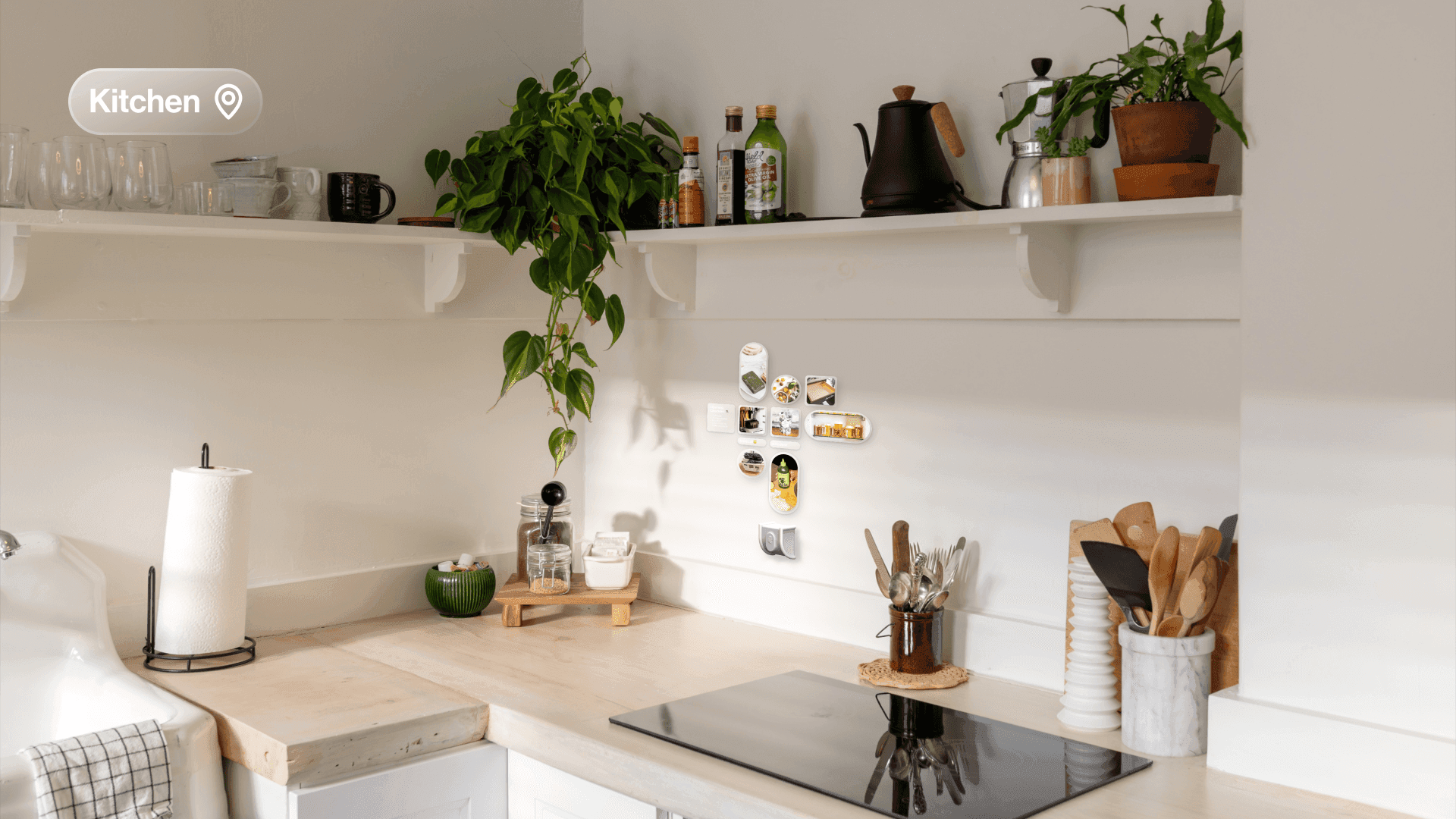
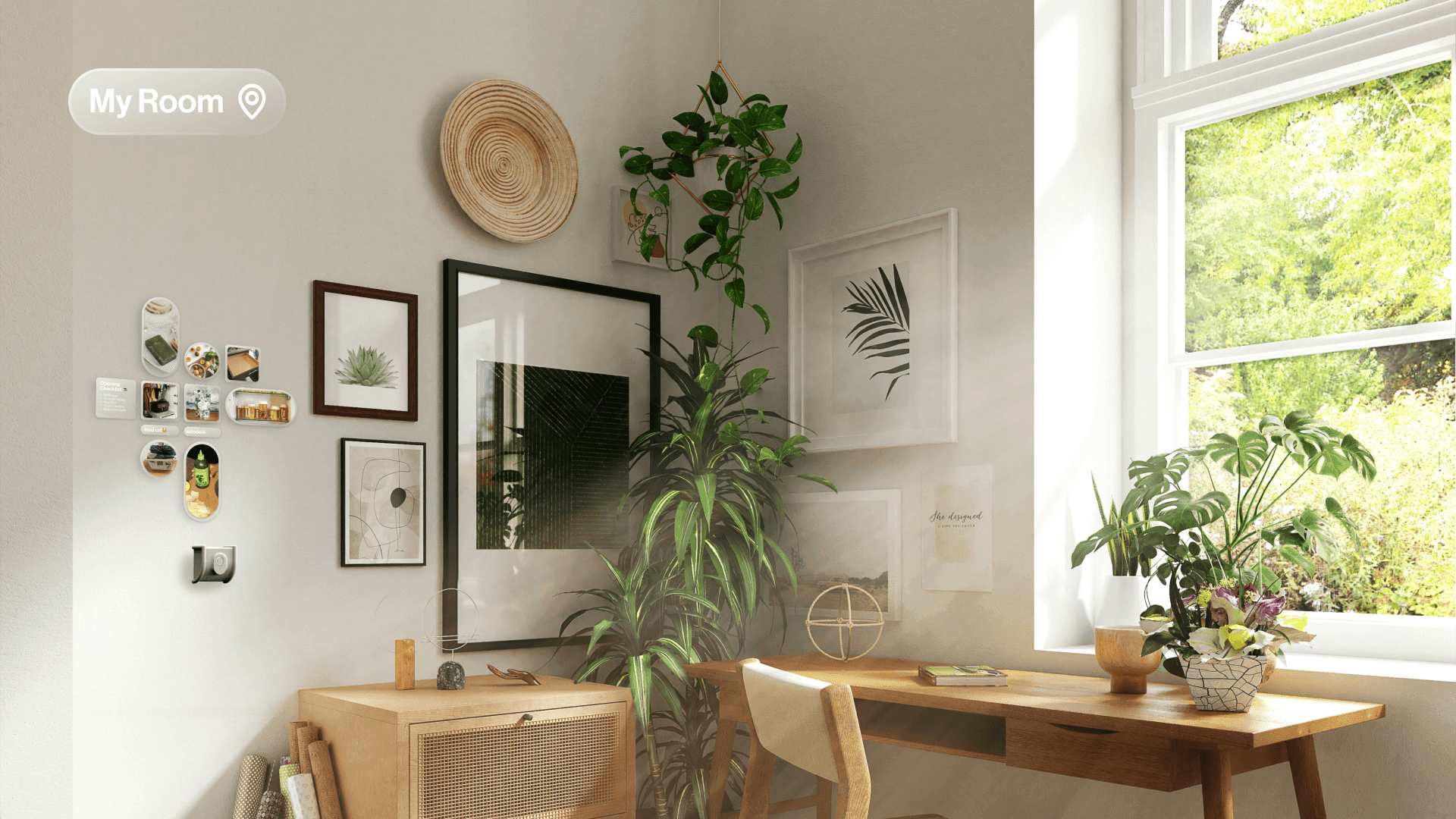
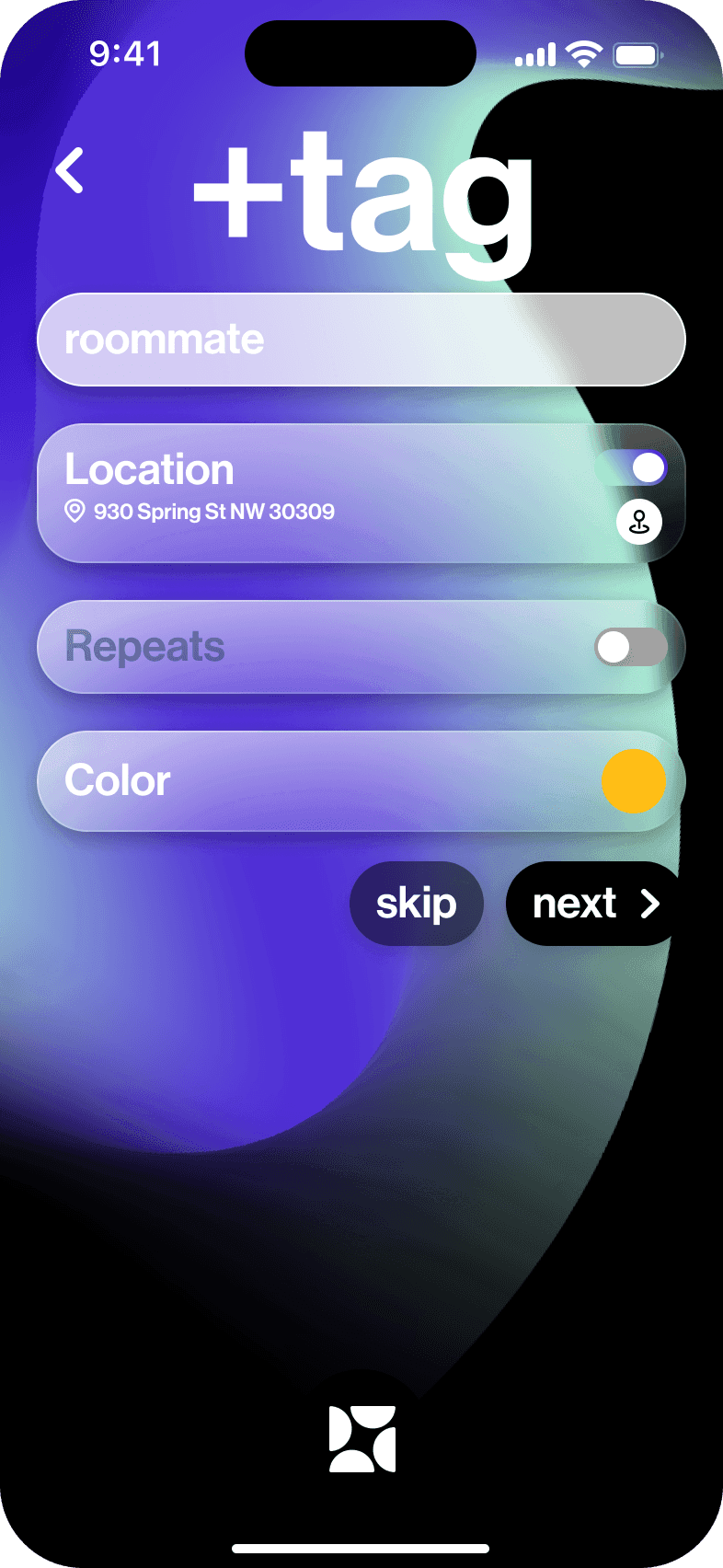
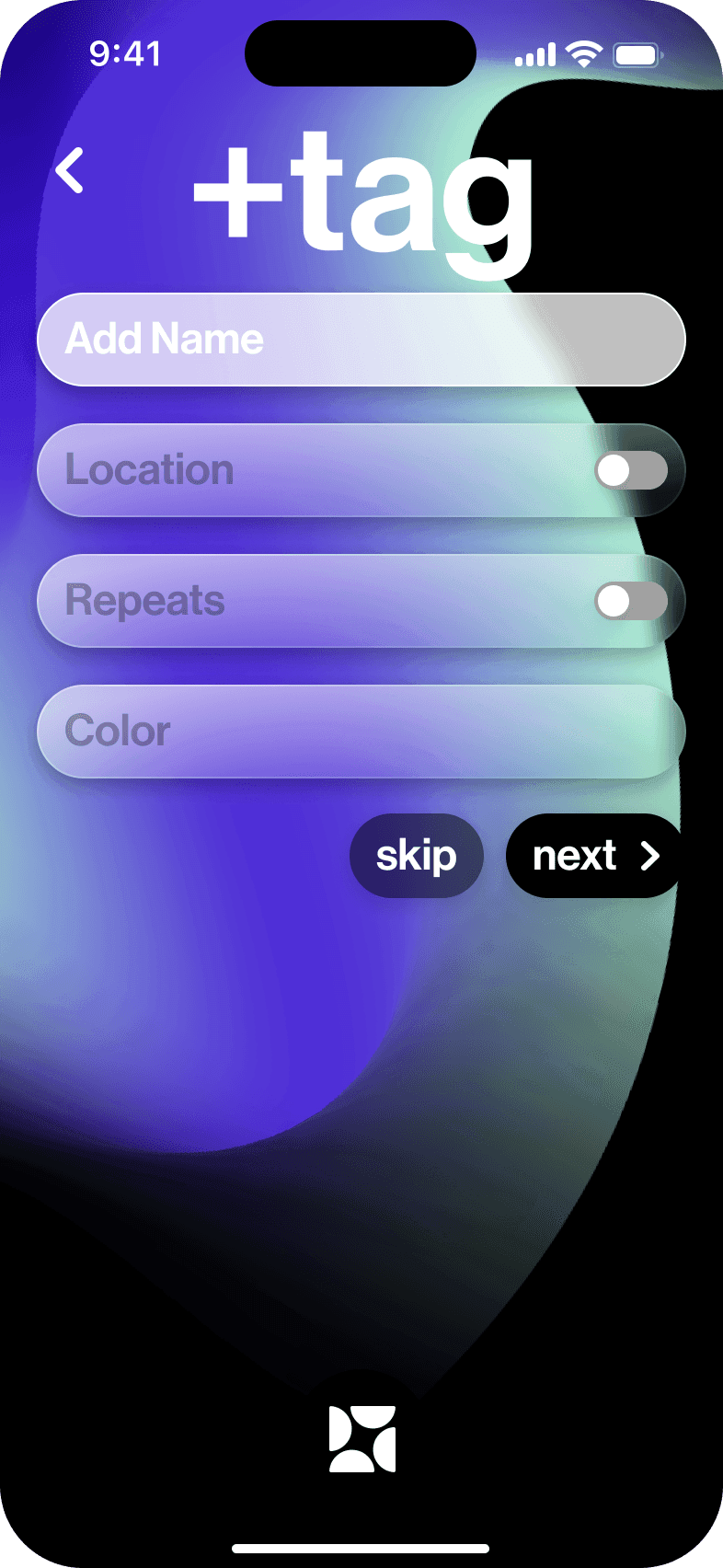
Dash allows users to additionally utilize two unique types of tags: location and repeating. Location tags have a specific location associated with them so that users have more ways to organize their information. When the user is at a certain location, dash will automatically filter information with that tag. Users can also use reminders that trigger at a location, rather than a time.
Repeating tags are used for tasks that users may need to do regularly, and this adds a level of convenience so that users do not need to constantly add the same task.
Adding a task
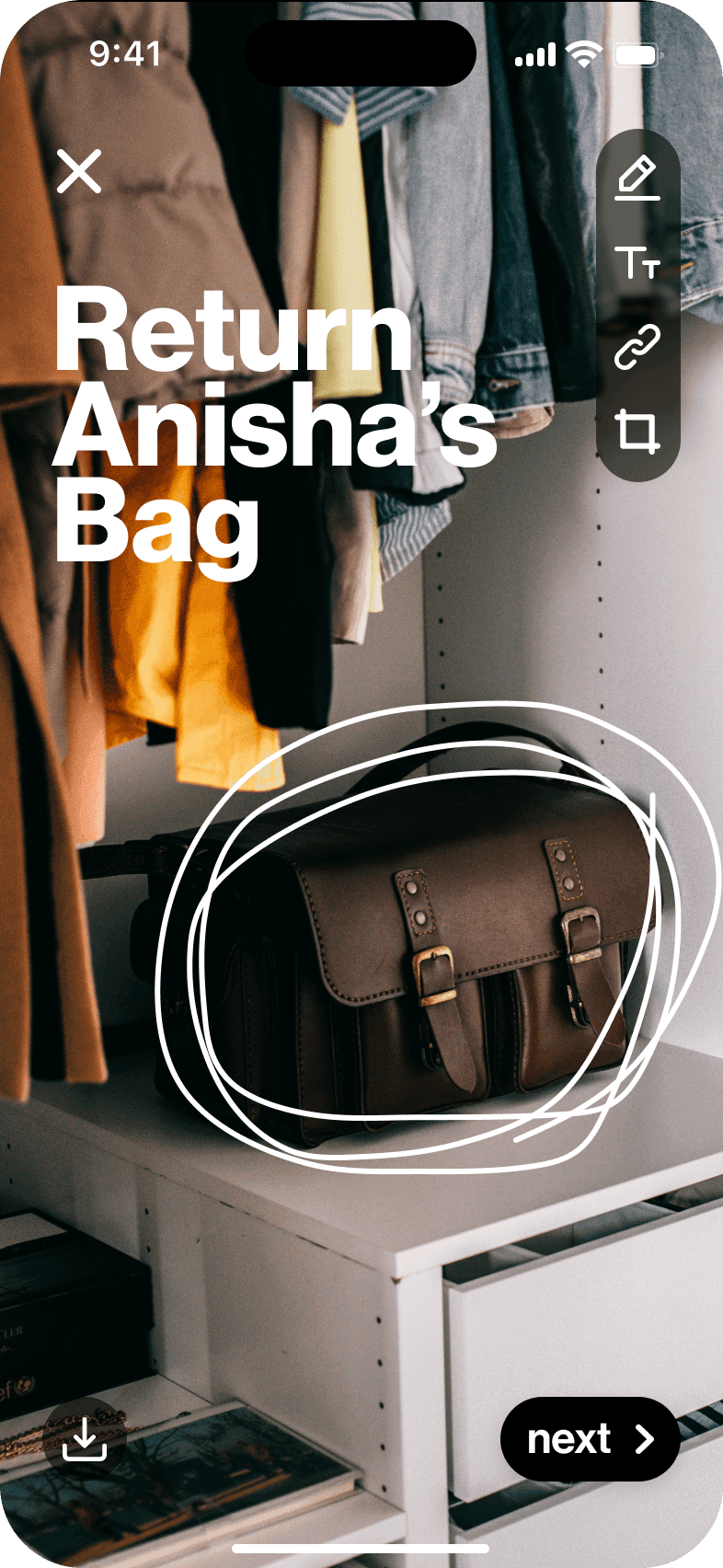
Adding any information into dash needs to be fast and efficient, so I decided to use existing mental models so that the user experience will feel intuitive. I took inspiration from Snapchat, which all interviewees were familiar with.
If the user is in a rush and wishes to skip the tagging process, the information that they entered will be automatically tagged with the 'untagged' tag. When the user has time, they can edit the tags accordingly.
Completing a task
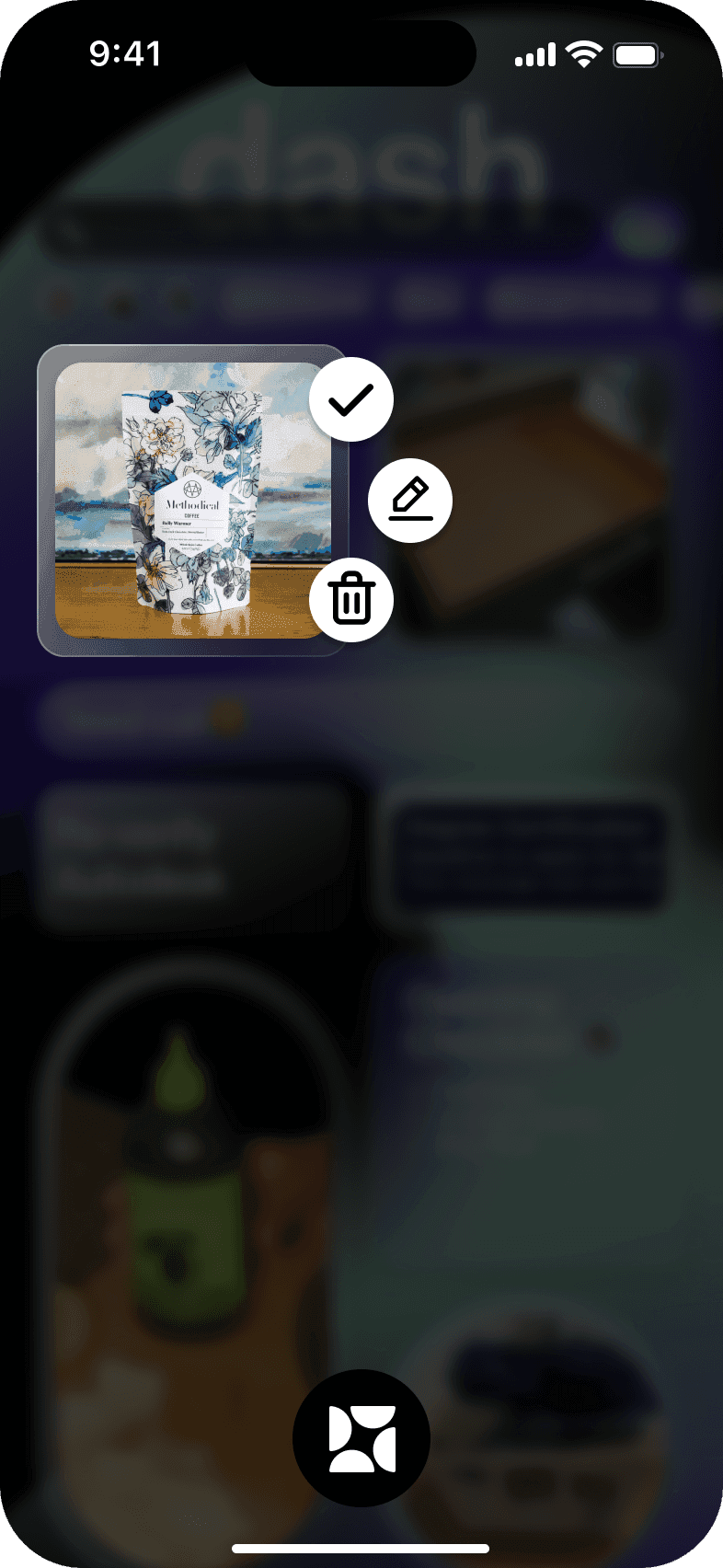
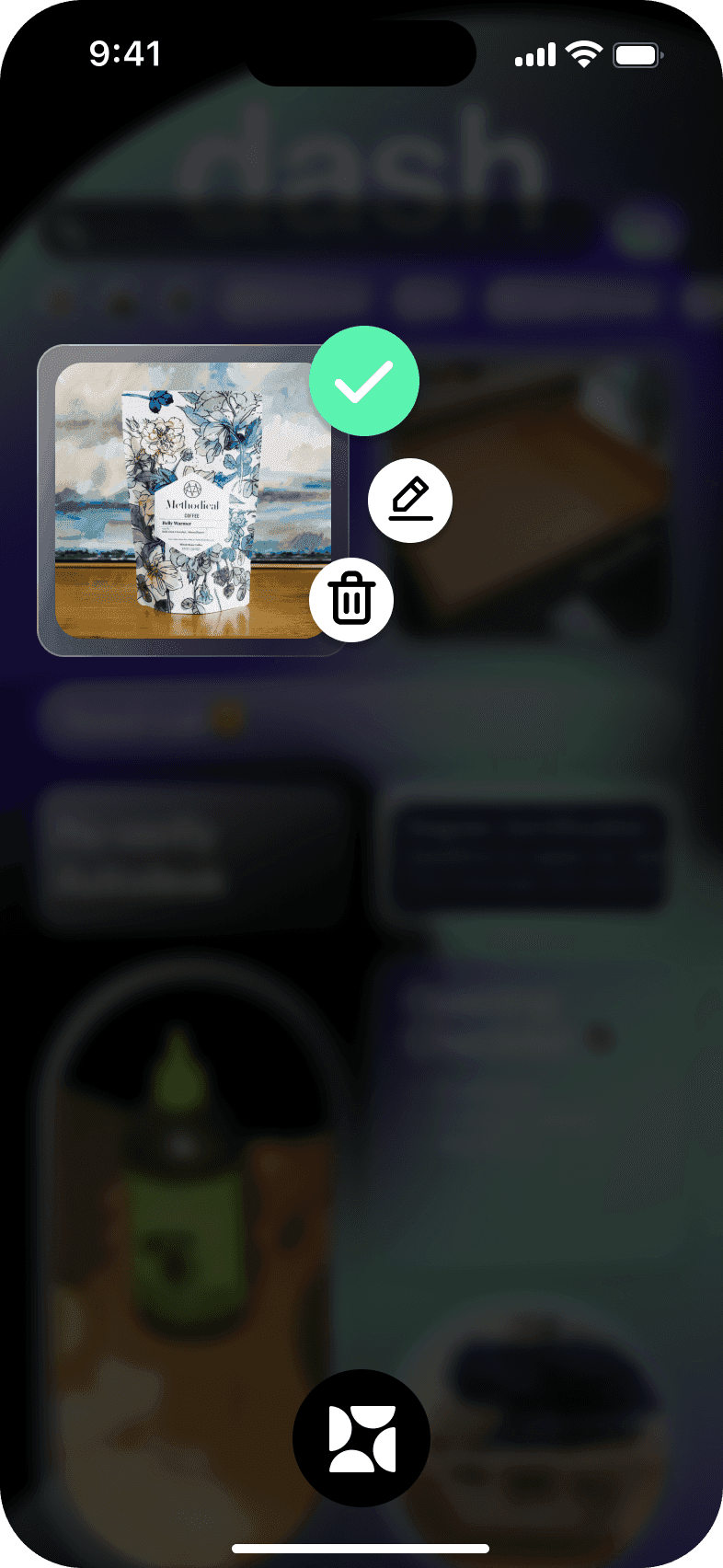
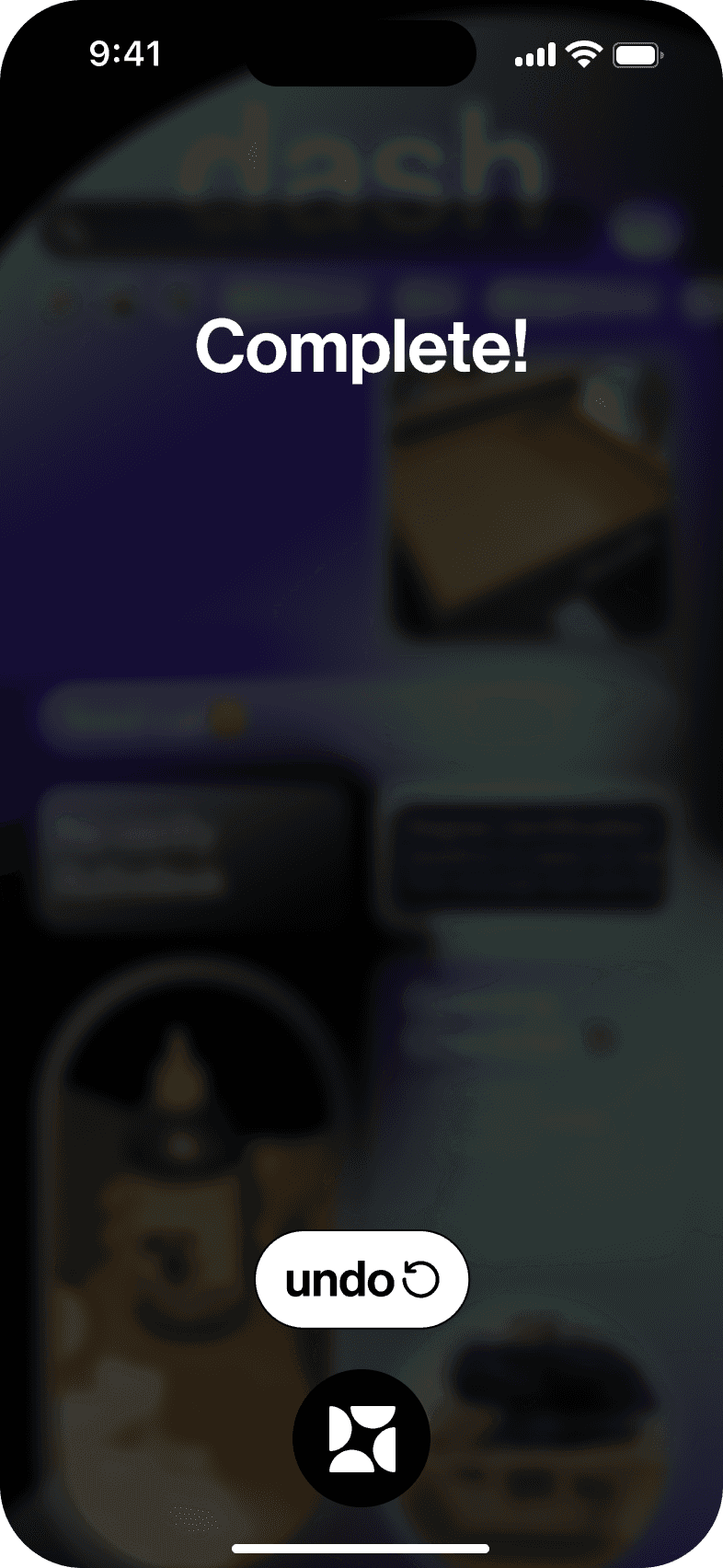
Clearing information from dash needs to be just as efficient as adding a task. It needed to be a one step task that requires little to no effort. I took inspiration from the Pinterest app's interaction of adding images to a board. The interviewees also felt that the "hold-release" interaction felt satisfying.
Navigation
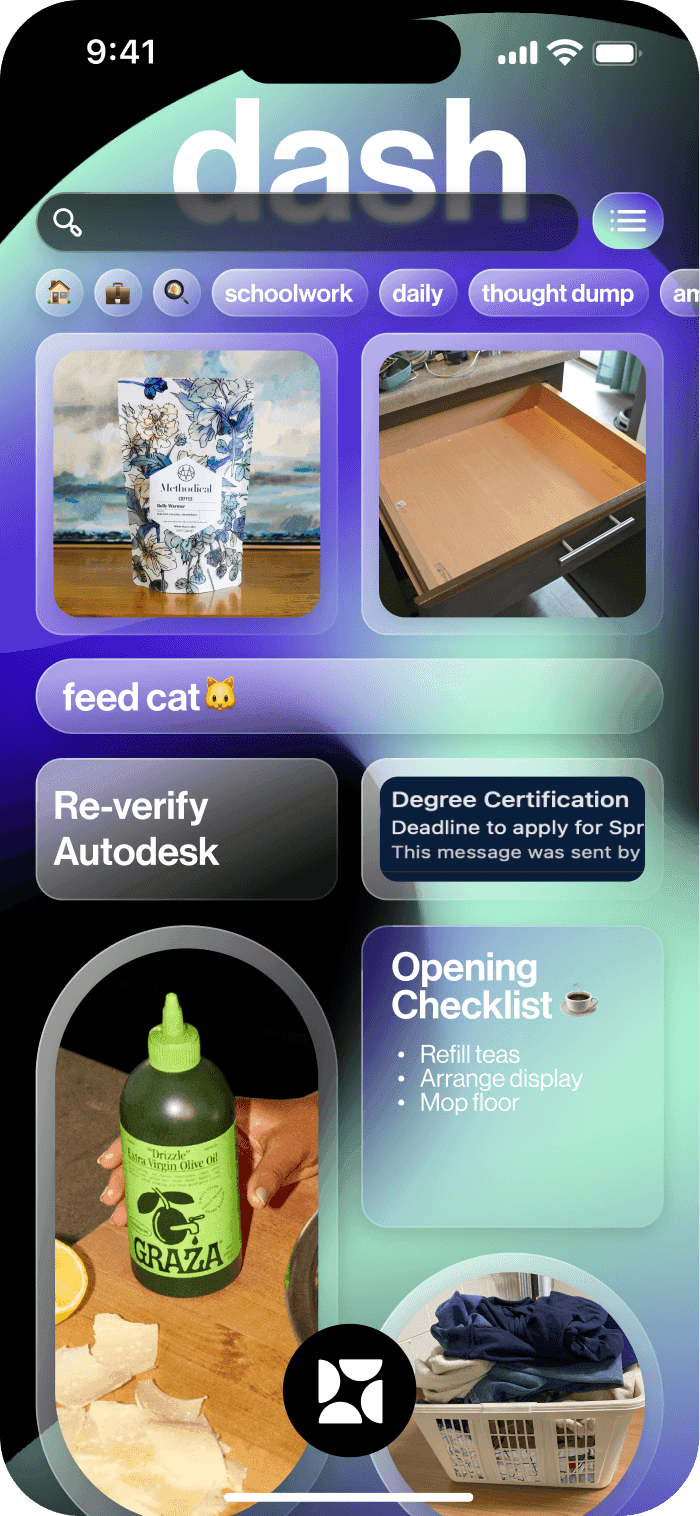
I initially designed a typical navigation bar that allowed users to view different aspects of the app. However, after testing, I realized that users only used the main dashboard, and other parts of the app were accessed less frequently. This allowed for a more simplified navigation bar, which enables more screen space for the users' information.
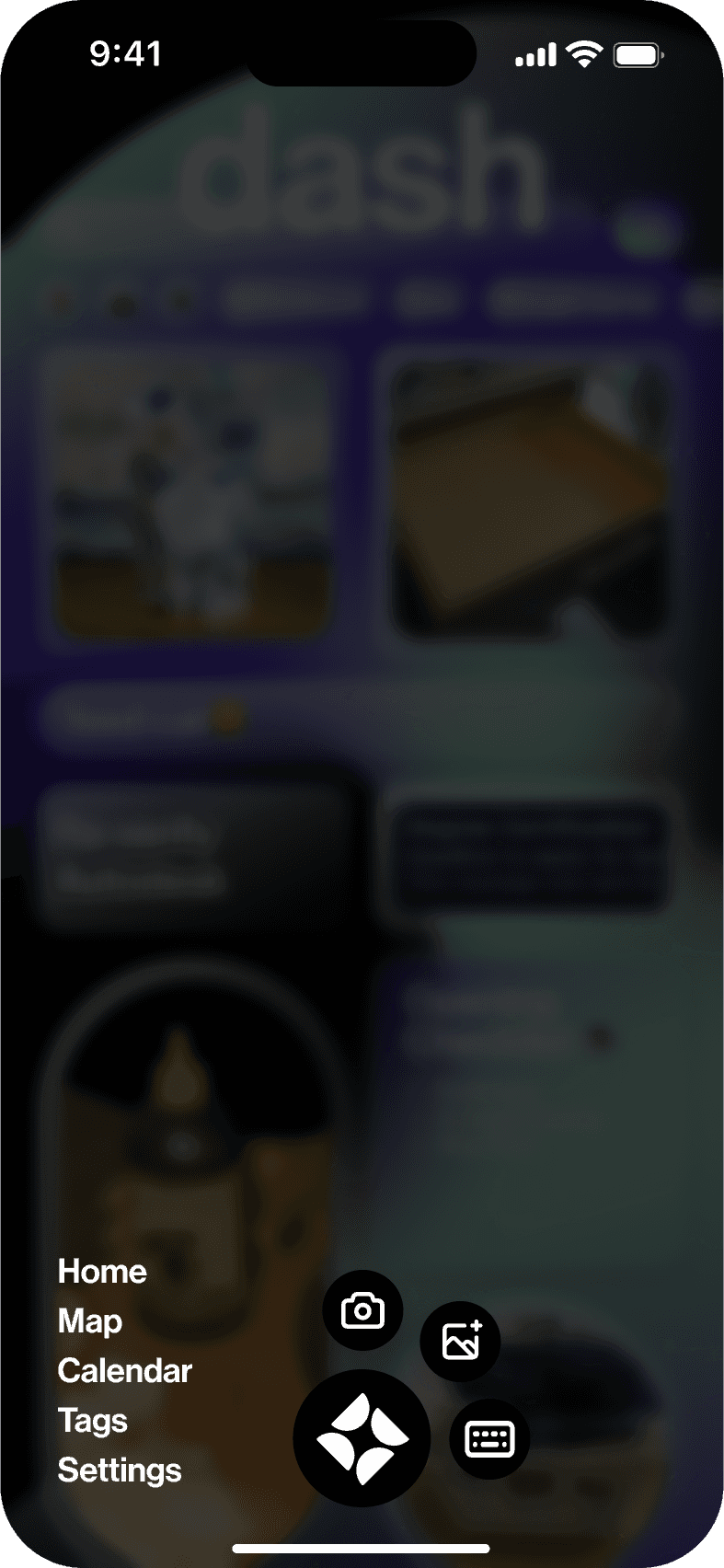
Organizing Information
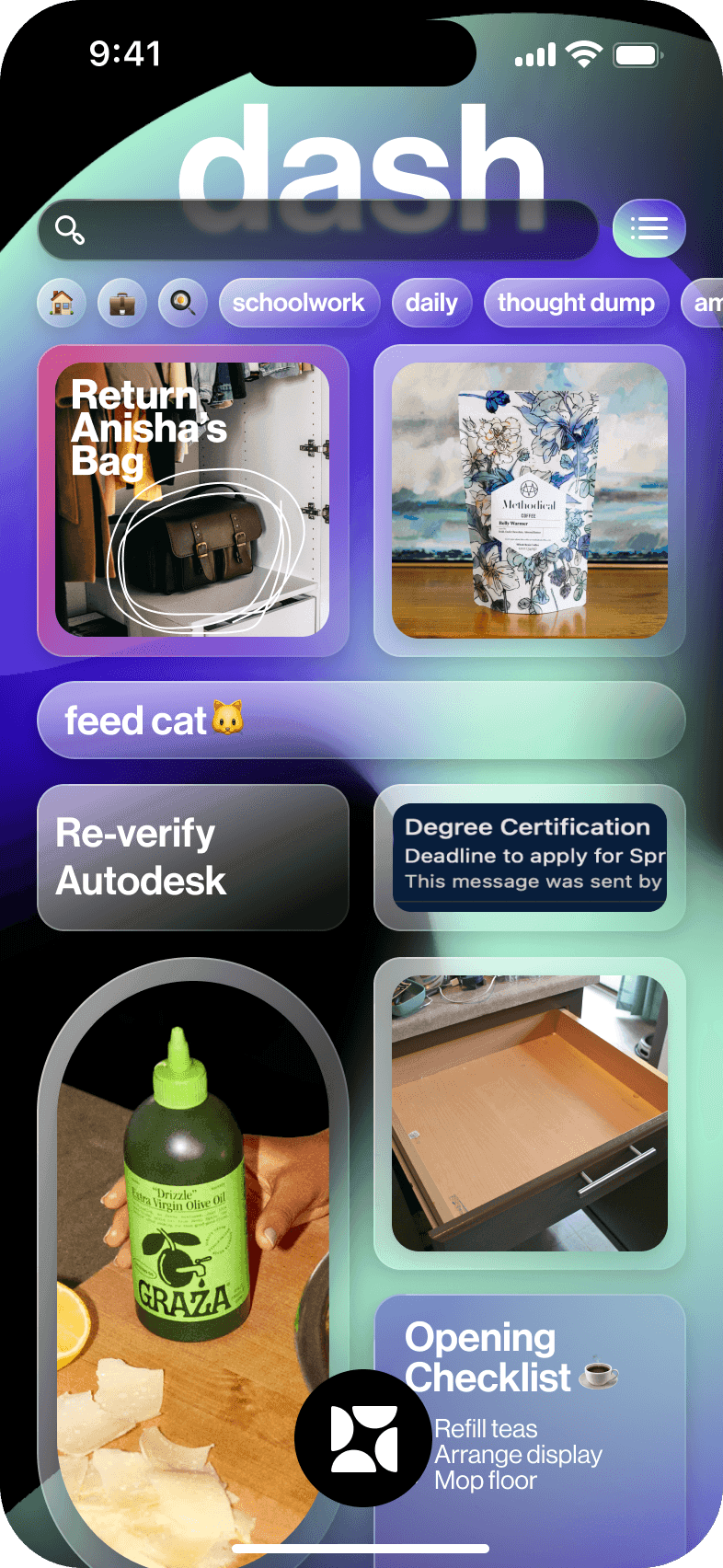
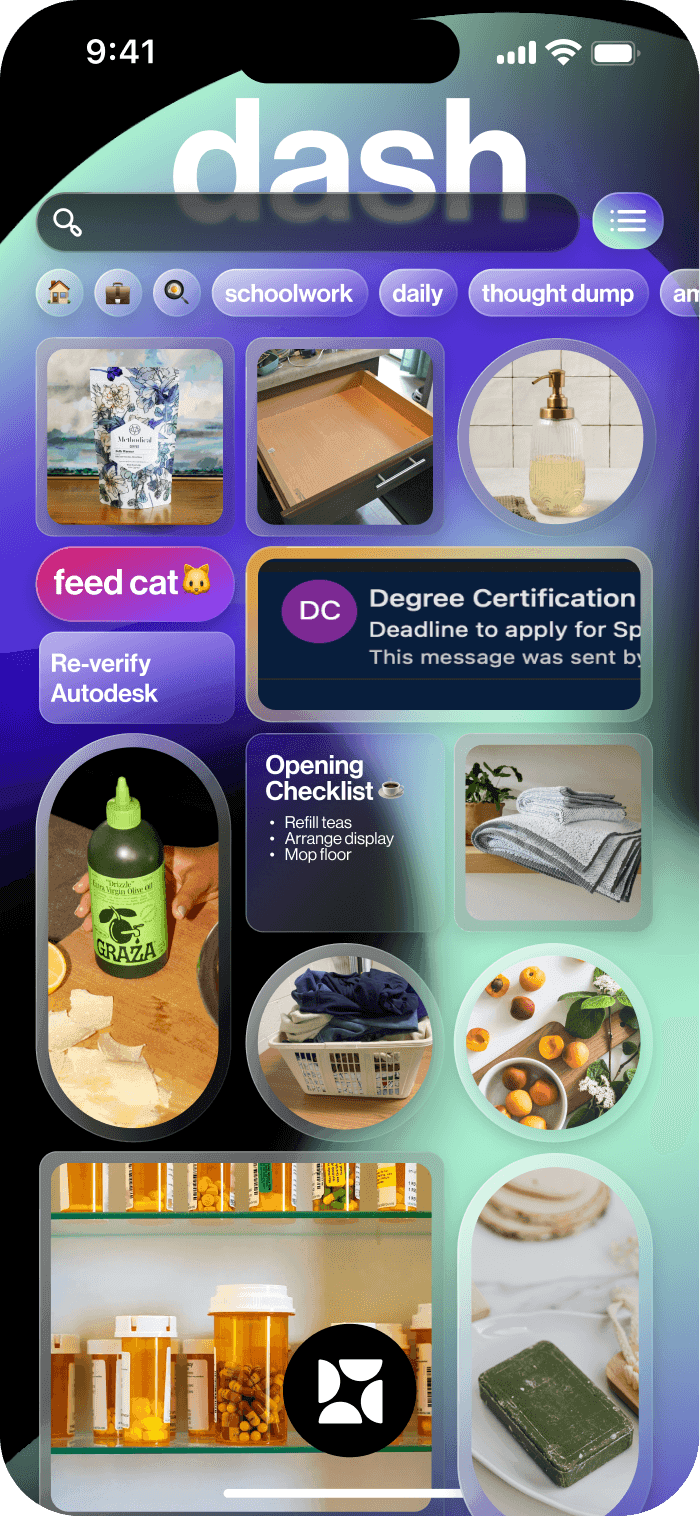
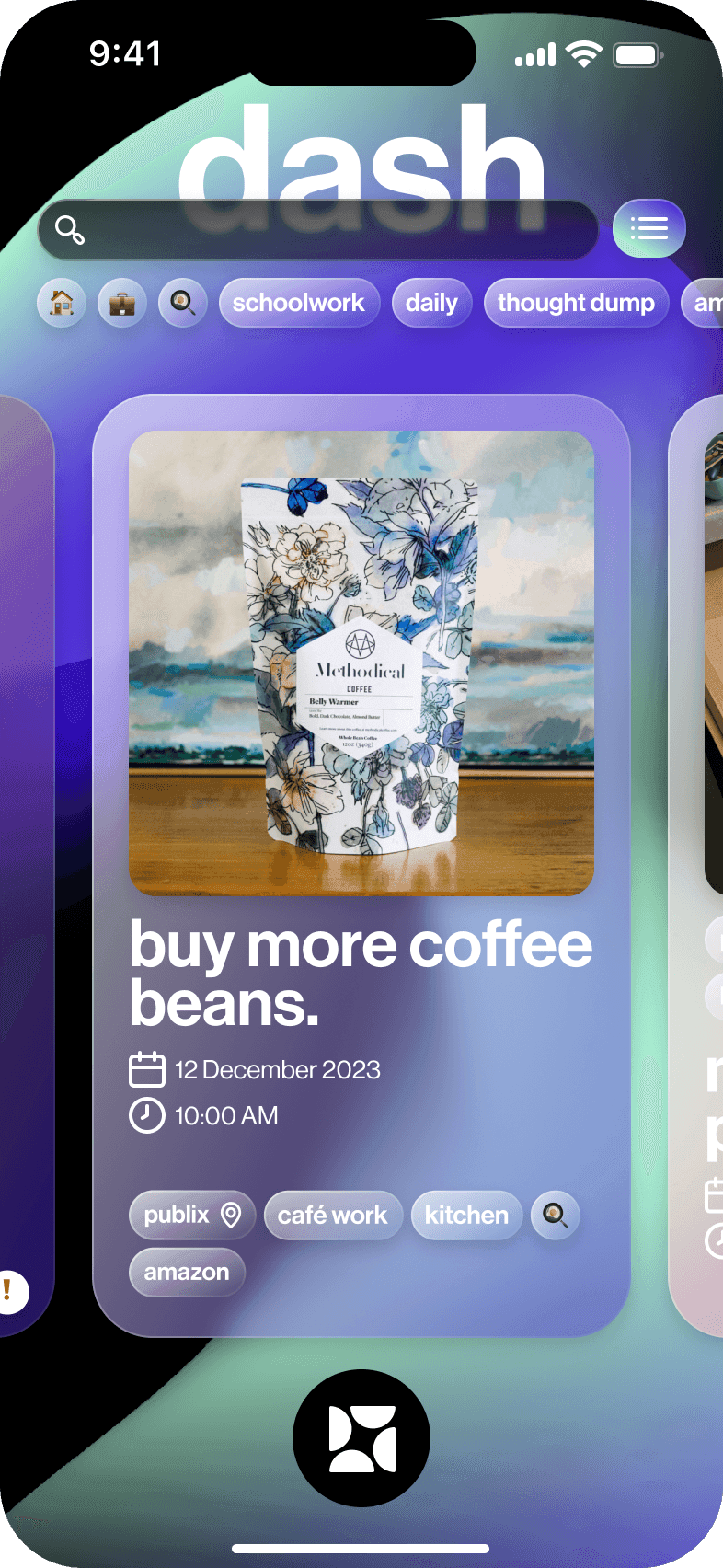
The app's dashboard was initially designed to feel like scrollable social media dashboard. However, some users felt overwhelmed by the large amount of information on screen. As a result, I gave users the option to choose the number of columns of their dashboard.
Dash also prioritizes information that has a priority tag or deadline. Information and tasks will "rise up" to the top of the dashboard, ensuring that users are always aware of crucial information.
Dashlight
Object permanence is a struggle for people with ADHD, and 57% of interviewees mentioned struggling to keep up with digital to-do lists/scheduling apps. One interviewee spoke passionately about using sticky notes around their house to act as reminders.
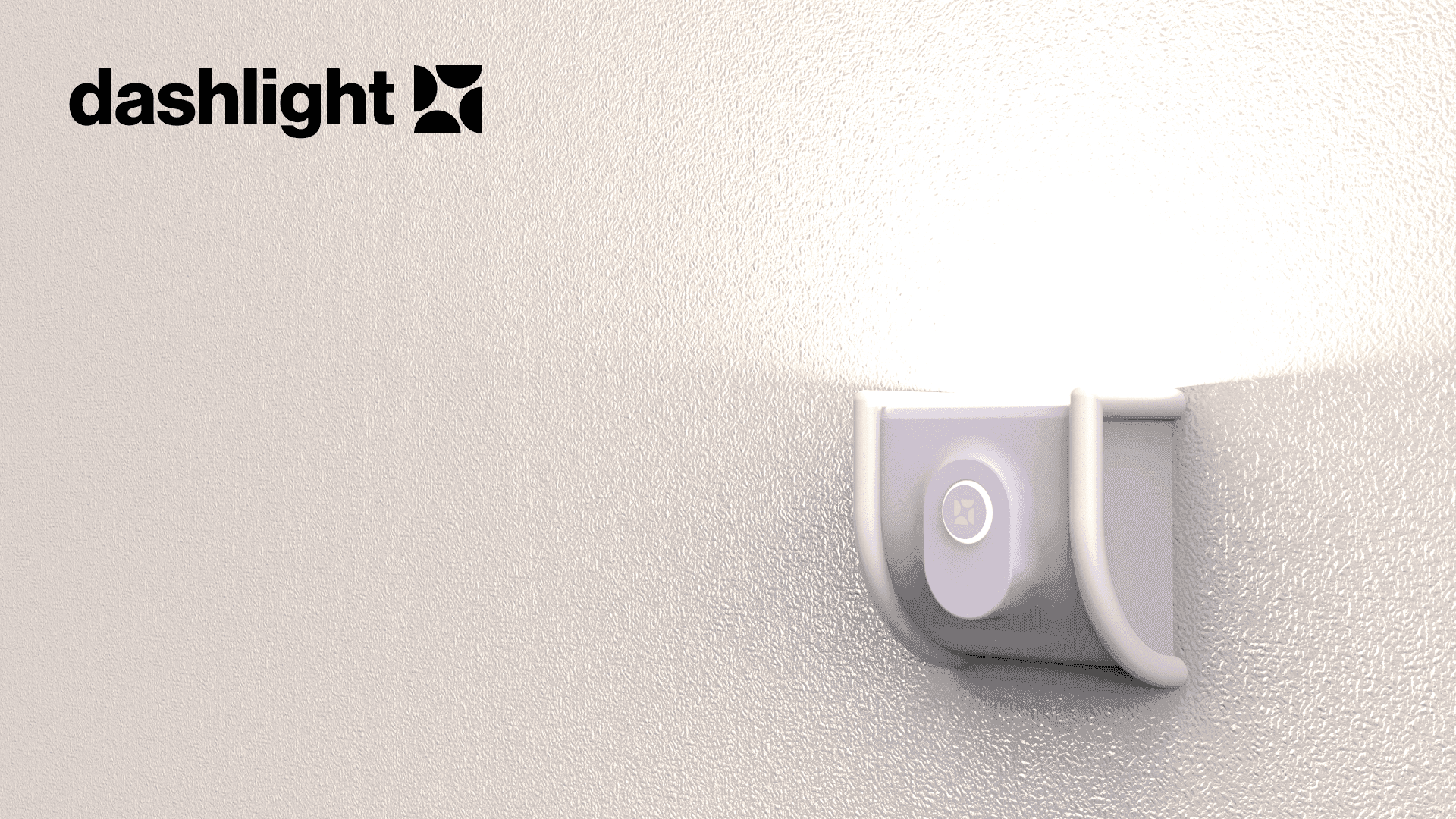
Dashlight is a mini projector that can be attached to a wall or surface, which projects information onto the surface. Each dashlight can be assigned a certain tag and can be placed around a users home. Users can also add tasks using the inbuilt mic, and it adds the task with the associated tag.